Apple adds a new toggle to make Liquid Glass less glassy | The Verge


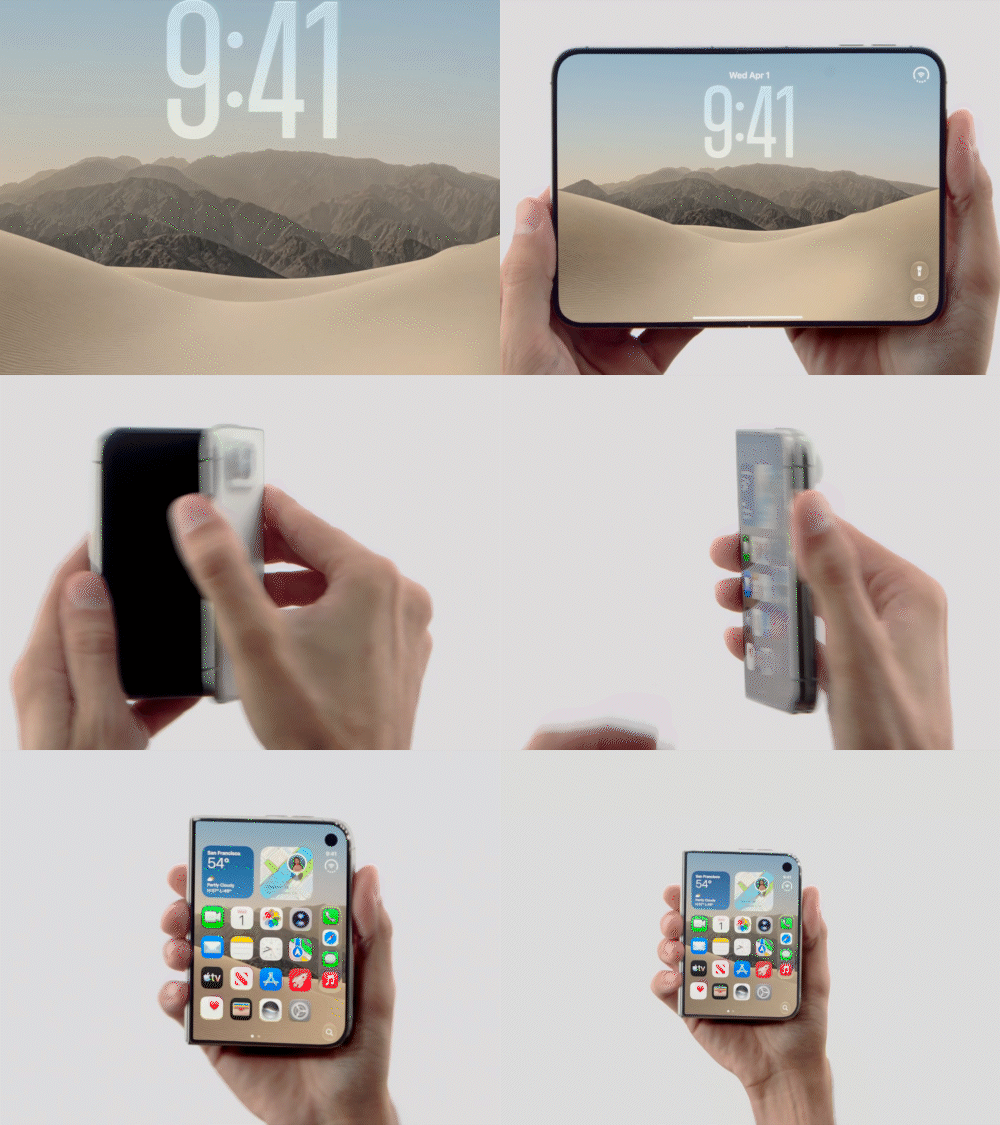
Apple’s iOS 26.1 developer beta introduces a new feature allowing users to adjust the appearance of Liquid Glass, a visual design element first revealed at WWDC. The update offers a toggle between “Clear” and “Tinted” settings, making elements either more transparent or slightly frosted for improved readability. This adjustment addresses earlier feedback regarding legibility challenges with the highly glassy interface. The feature is accessible through Settings > Display & Brightness > Liquid Glass and is also available on the latest iPadOS 26.1 and macOS 26.1 developer betas. Alongside this, iOS 26.1 introduces an option to disable swiping to the camera from the lock screen, enhancing privacy and preventing unauthorized access. These refinements highlight Apple’s focus on customization, usability, and user-friendly interface updates across devices.
The Key points
- iOS 26.1 beta introduces Liquid Glass tint options.
- Users can choose “Clear” or “Tinted” for interface elements.
- The feature improves legibility and visual clarity.
- Accessible via Settings > Display & Brightness > Liquid Glass.
- Available on iPhone, iPadOS, and macOS 26.1 betas.
- Addresses user feedback from the initial Liquid Glass release.
- Enhances customization of the interface appearance.
- Subtle visual changes preferred for tinted mode.
- Also adds option to disable lock screen camera swipe.
- Focuses on privacy, usability, and smoother interface experience.
Disclaimer: This preview includes title, image, and description automatically sourced from the original website (www.theverge.com) using publicly available metadata / OG tags. All rights, including copyright and content ownership, remain with the original publisher. If you are the content owner and wish to request removal, please contact us from your official email to no_reply@newspaperhunt.com.